> ## Documentation Index
> Fetch the complete documentation index at: https://docsv4.mile.app/llms.txt
> Use this file to discover all available pages before exploring further.
# Restricted Fields
> Hide chosen task or data source fields from a role.
**Restricted fields** hide specific fields from a role, for one task type or data type at a time. People with that role don't see those fields anywhere. Use it to:
* keep sensitive information private, for example hiding customer phone numbers from field workers;
* simplify screens by hiding fields that don't matter to a role;
* meet compliance rules that limit who may see certain data.
Required permission:
* View permission
* Edit permission
## Set restricted fields
1. Open **Settings › Permission** and select the role.
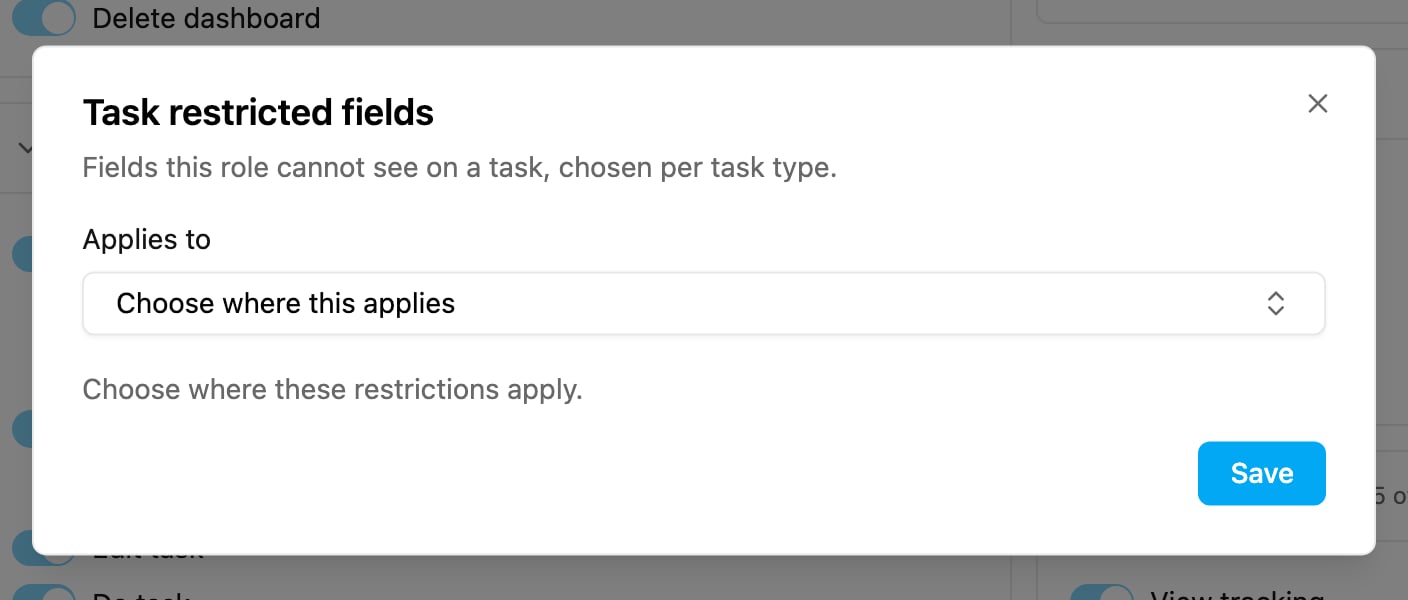
2. For tasks: in the **Task** group, under **View task**, click **Configure** next to *No restricted fields configured*. For data sources: do the same under **View data source** in the **Data** group.
3. In **Applies to**, choose the task types (or data types) these restrictions apply to.
4. For each one, choose the fields to hide. The editor shows how many fields are hidden, for example *3 fields hidden*. A task type with no fields to restrict says so.
5. Click **Save** in the editor, then **Save** on the Permission page.
Repeat for every task type or data type that needs restrictions.
## What people with the role see
* Hidden fields don't appear as columns in the task list or the data source list, and they can't add them back from **Columns**.
* Hidden fields don't appear in the task detail or the record detail.
* The same fields are removed from what the API returns to these users. Asking for a hidden field directly through the API is refused.
This documentation is built and hosted on [Mintlify](https://mintlify.com), a developer documentation platform.