

Required permission:
- Edit dashboard
Share a dashboard
- Open Analytics › Dashboard.
- Click ⋯ on the dashboard, then Share. You can also click Share at the top of an open dashboard.
- Open Roles and pick one or more roles. Use Search roles to find a role.
- Click Save. The app says Sharing updated.
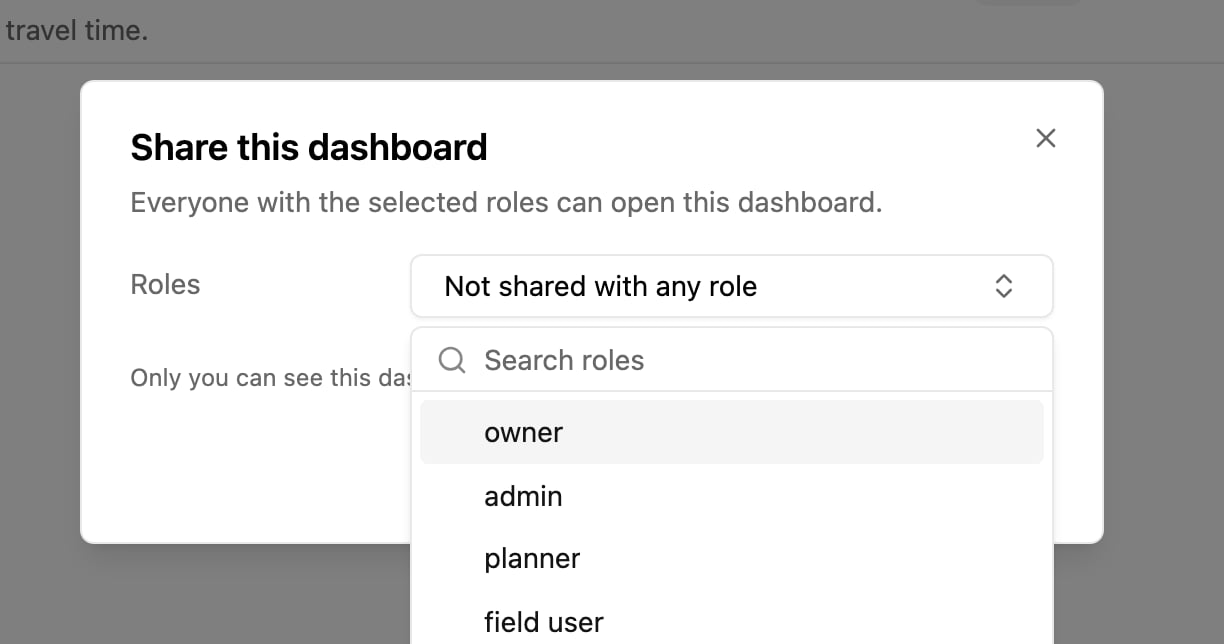
What people with a shared dashboard can do
- Open the dashboard and use its filters. Their filters don’t change yours.
- Duplicate it to get their own private copy, which they can change freely.
- They can’t edit, share or delete it. Only the owner can.