

Open Settings
Click Settings at the bottom of the left menu. The left menu switches to the settings menu; click the arrow at the top to go back to the main menu. The hub picker in the top bar still applies: pages such as Team show the hub you are viewing.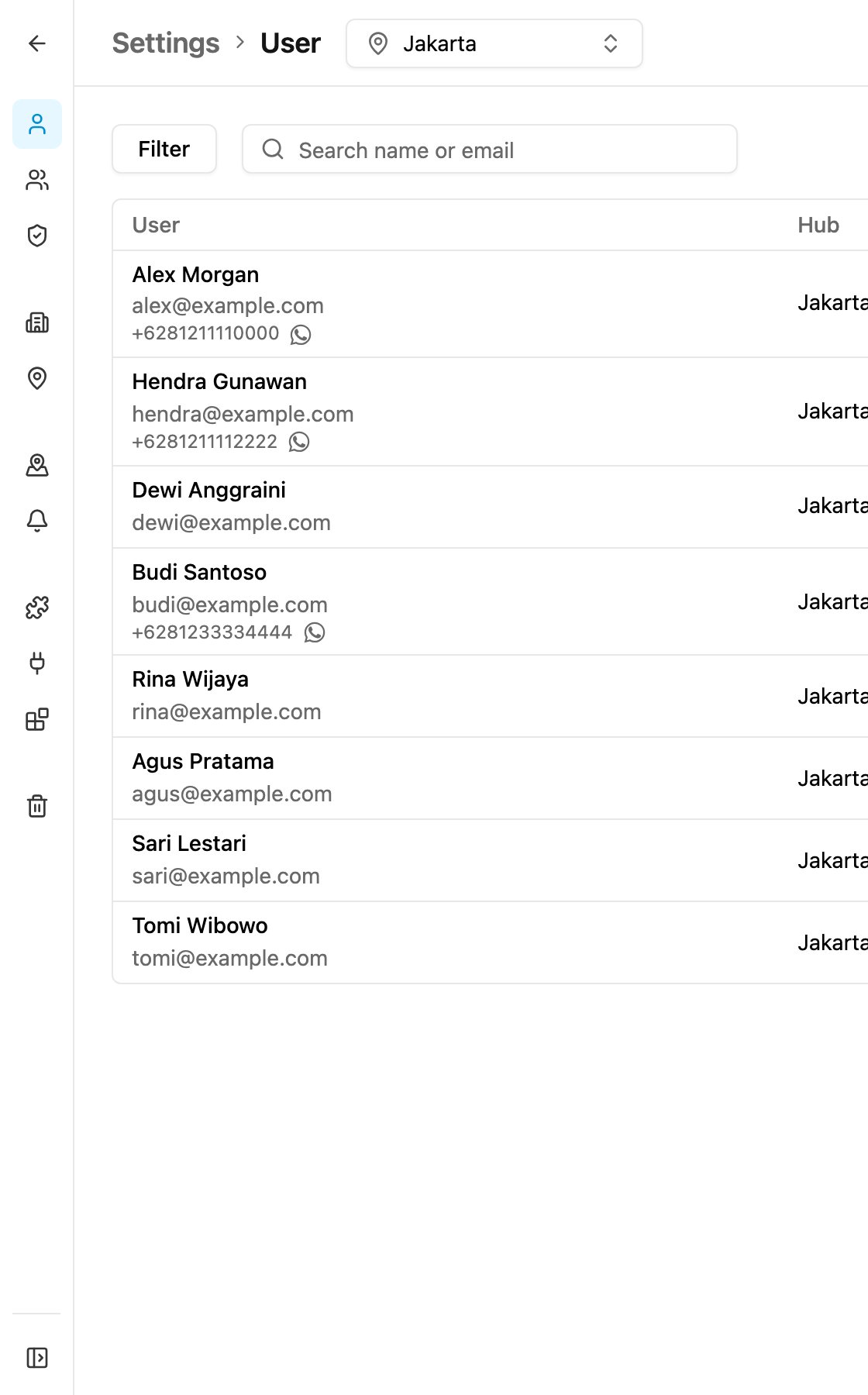
Users & Access
Workspace
Monitoring
Extensions
Other
Where to start
When you set up a new organization, work through Settings in this order:- Organization: check the country, language and currency.
- Hub: add the places your team works from.
- Permission: review the roles, or create your own.
- User: invite your team and give them a role and hubs.
- Team: group users if you want to limit who can see and assign whom.