

Required permission:
- View permission
- Edit permission
Multi-factor authentication
Require a second step when people with this role sign in. Each method is its own switch, so you can allow more than one.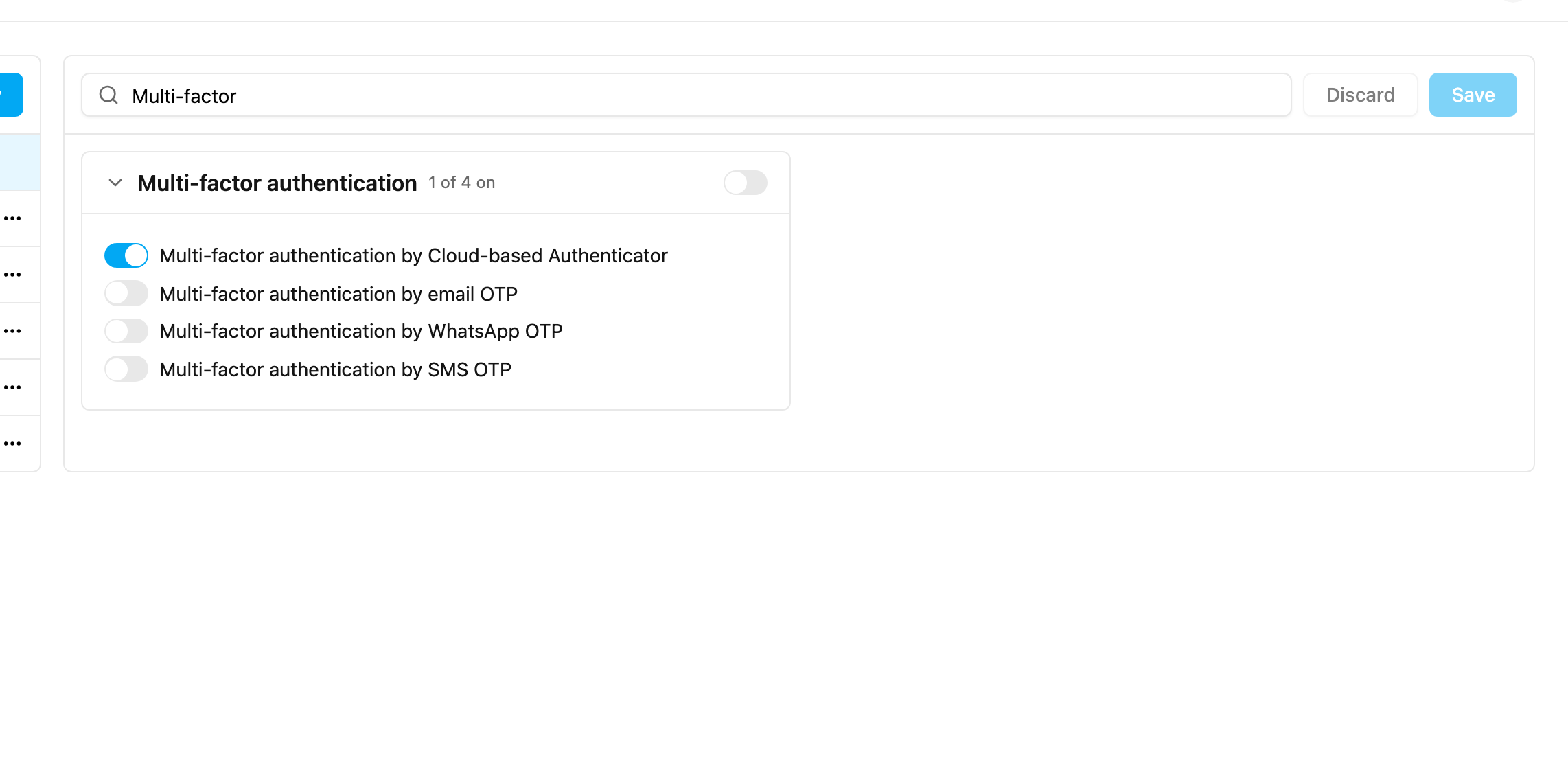
If a user loses their authenticator app, an admin can reset it from Settings › User. See Managing Users.
Single Login
Allow only one active session per user. When Single Login is on and a user signs in on another device, every earlier session is signed out automatically. This applies to the web app and the field app.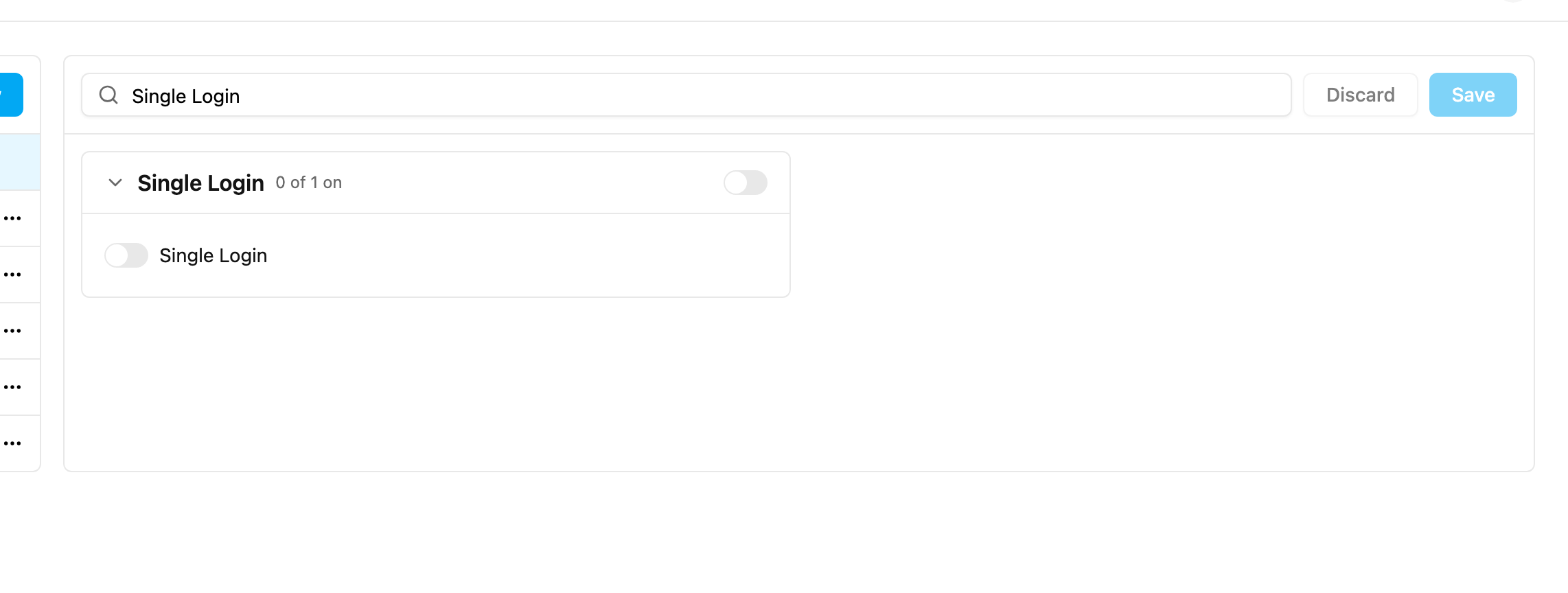
Mobile App Access Only
People with a role that has Mobile App Access Only can sign in only on the field app. Signing in on the web app is refused, with a message telling them to ask their admin for web access.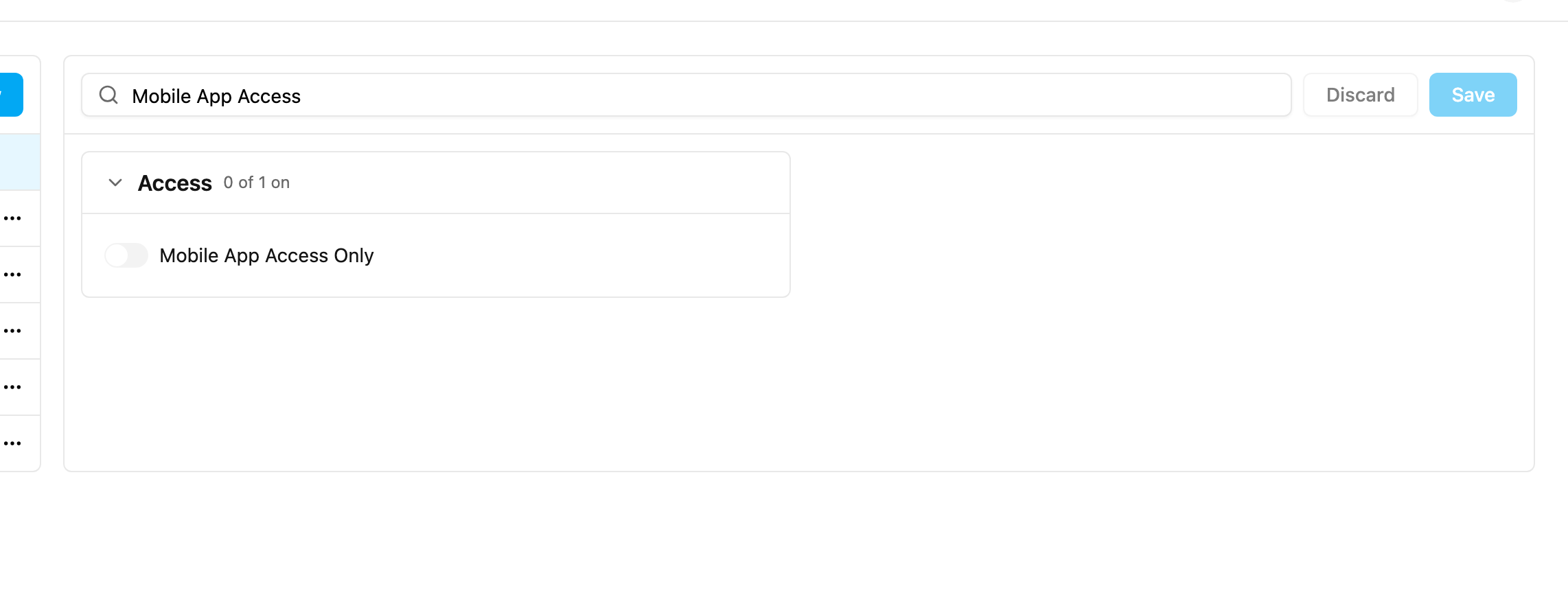
Location Tracking (Start Trip and End Trip)
Location Tracking in the Tracking (Advanced) group turns on trip-based tracking in the field app.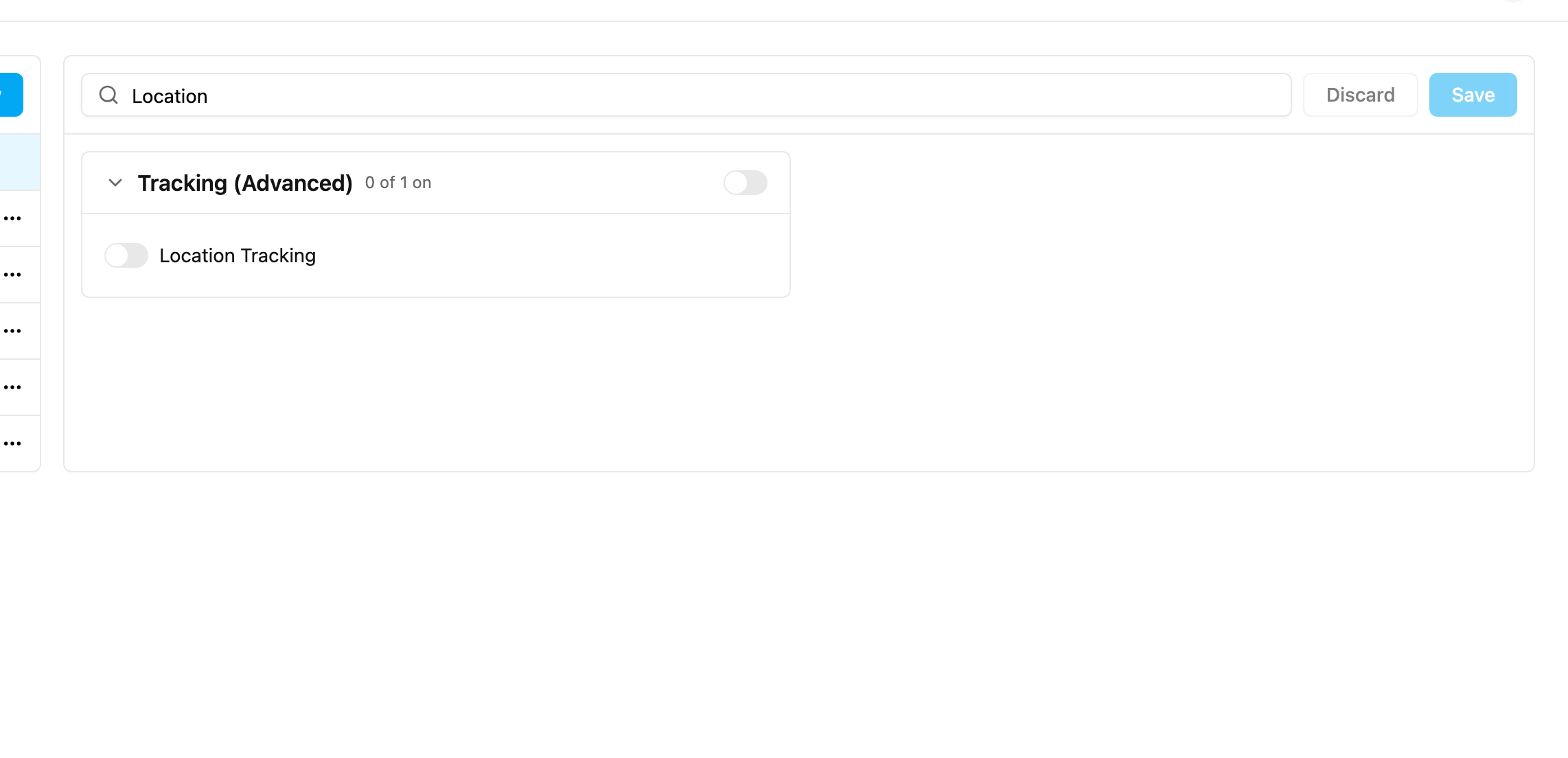
-
Location tracking: how often the location is recorded.
- Start radius (metres): how far from the hub a trip may start. For example, with 500 a field worker must be within 500 metres of the hub to start.
- End radius (metres): how far from the hub a trip may end.