

- Each order belongs to one Order Type. The Order Type decides the order’s fields, its statuses, how its number is made and which steps run.
- An order is created from the web app, from an import file, by API, or by a task finishing (when the Order Type starts that way).
- The tasks an order creates are normal tasks. They appear in Task and on the field worker’s field app, and the order keeps a link to each of them.
Required permission:
- View Order
Before you start
Orders can only be created for an Order Type that has been published. When no Order Type is published yet, the list is empty and asks you to publish one first.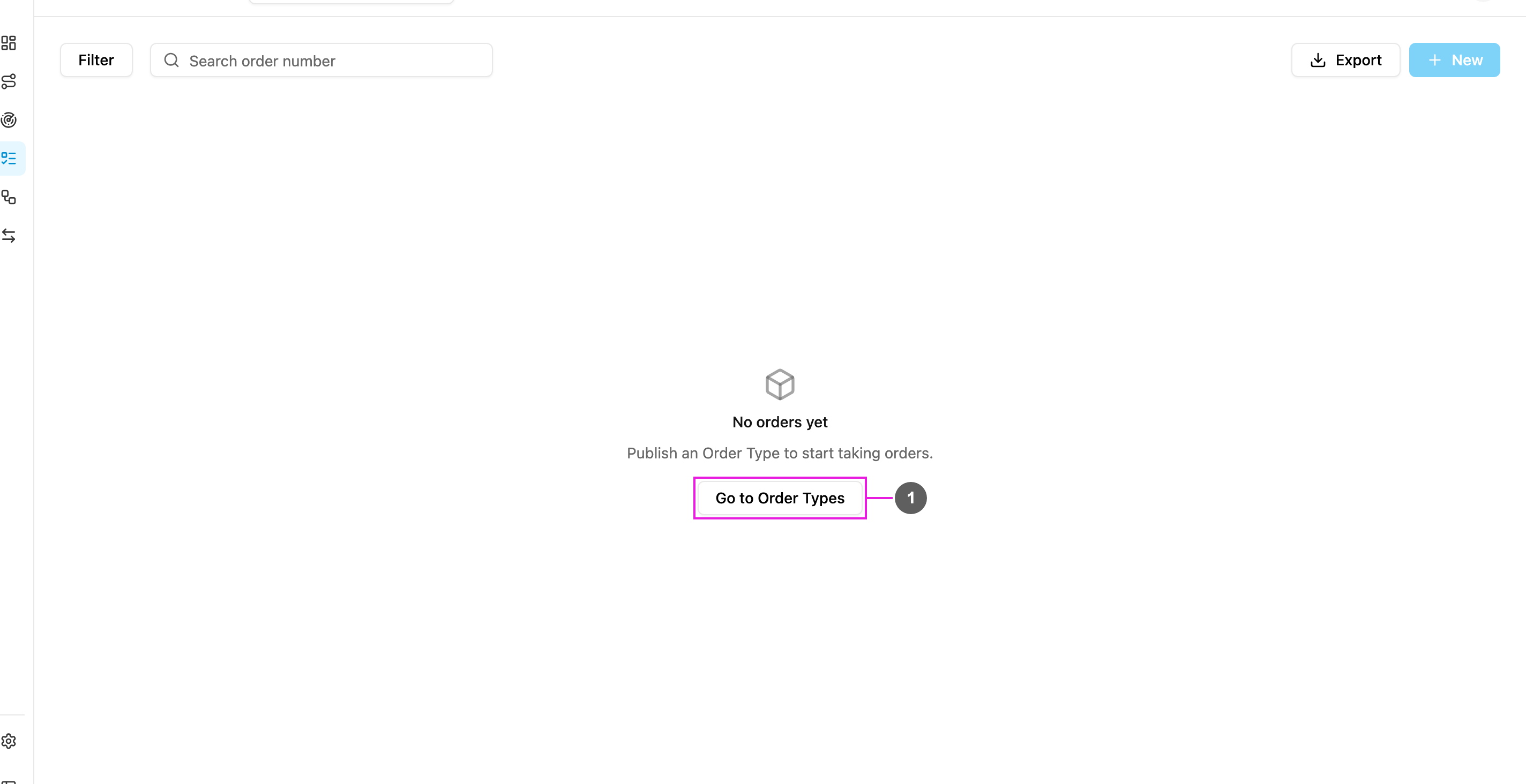
- Go to Order Types
The Orders list
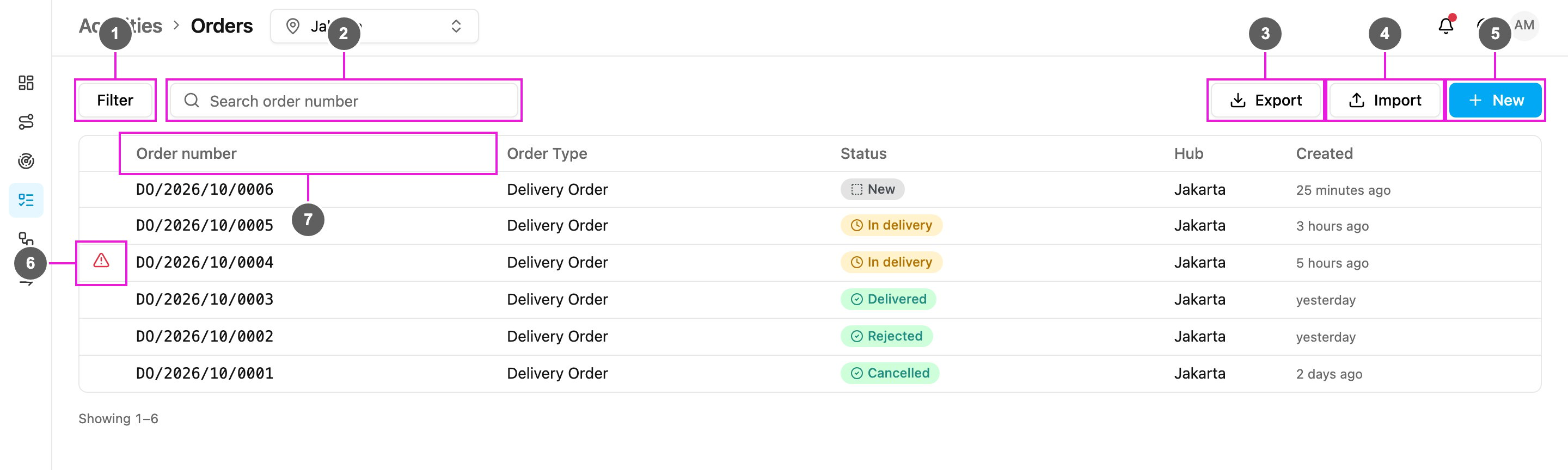
- Filter
- Search order number
- Export
- Import
.xlsx or .csv file. Shown when you have Add Order and at least one Order Type is published. See Import and export.
- New
- Needs attention
- Columns
Columns
Columns from the Order Type’s fields
When you filter the list by one Order Type, the fields marked Show on table in that Order Type become extra columns, between Status and Hub (up to six).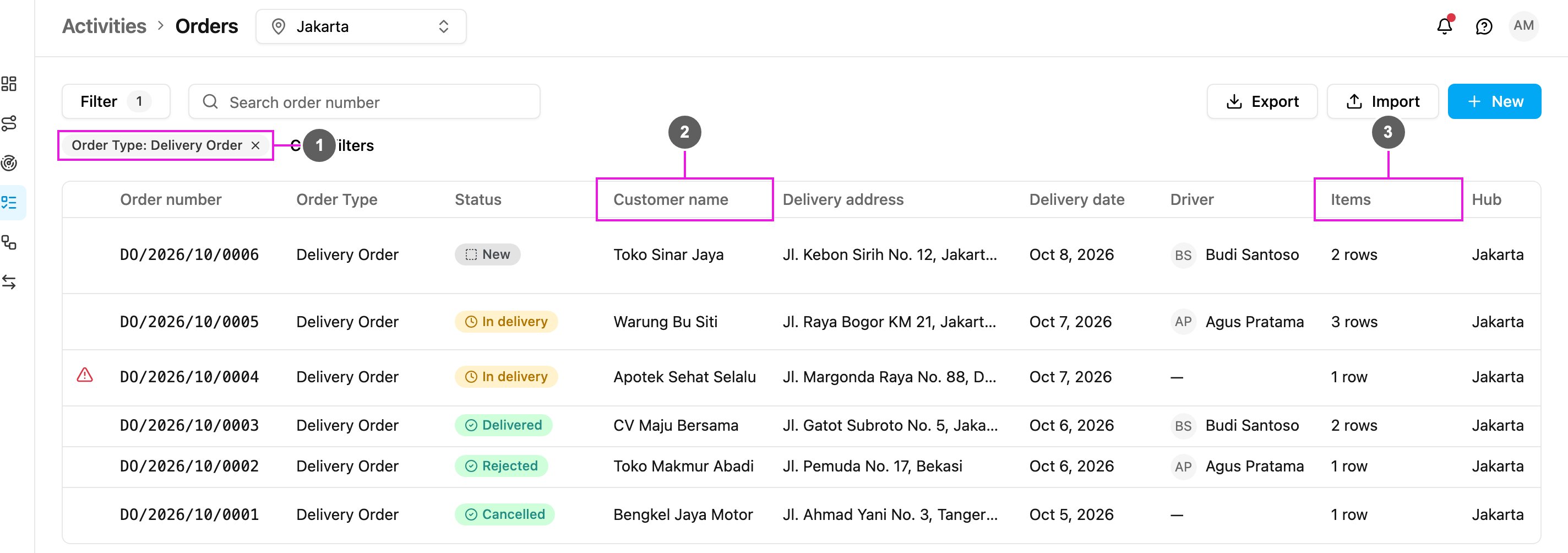
- Order Type filter
- Field columns
- List fields
Filter the list
Click Filter to open the filter panel. Every filter you set appears as a chip above the table, and the Filter button shows how many are active.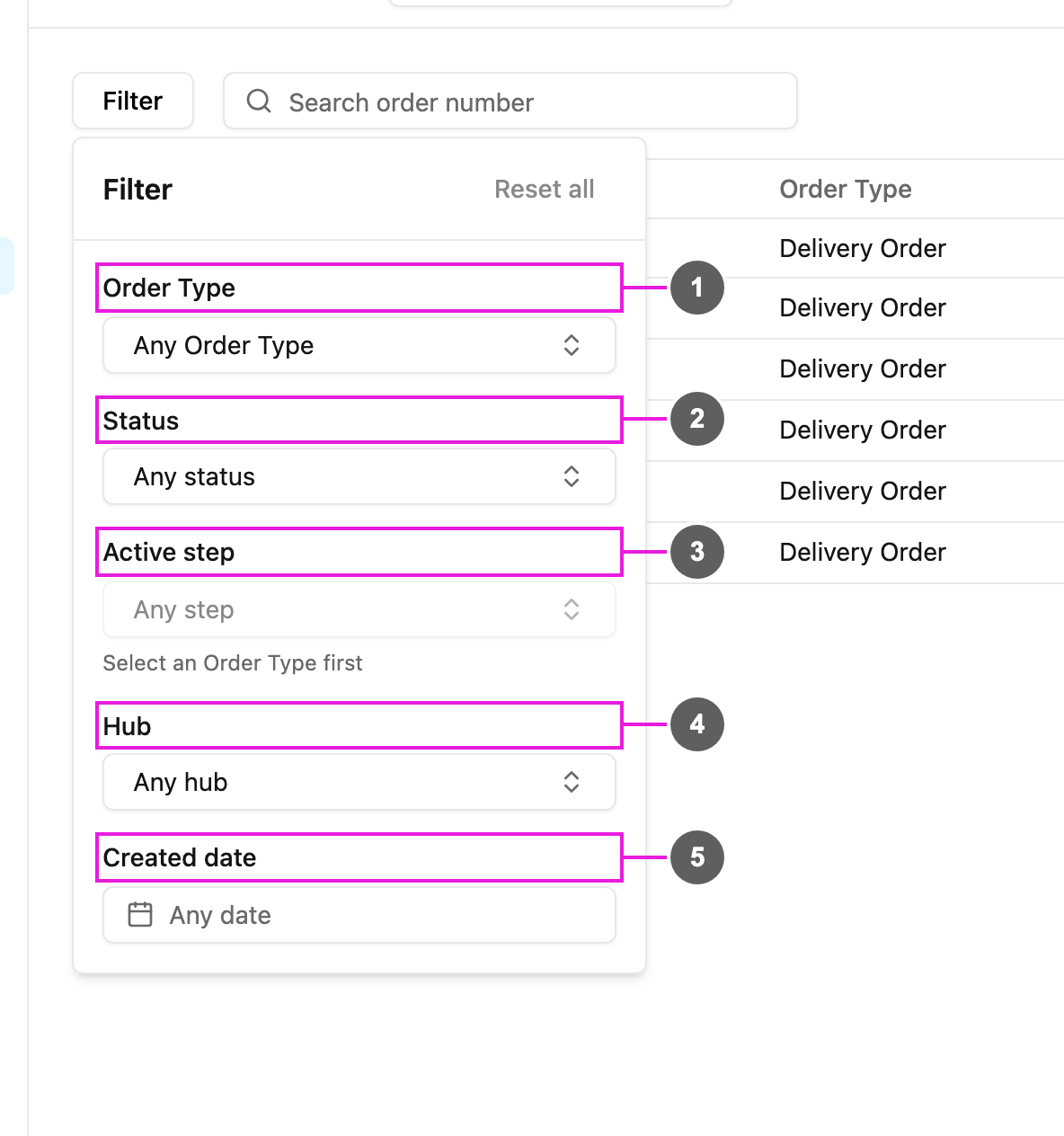
- Order Type
- Status
- Active step
- Hub
- Created date
What’s next
- Creating an order
- Order detail: the order’s fields, its tasks, the steps it has run, and how to edit, change the status, cancel or delete it.
- Import and export