

Required permission:
- Dispatch result
Dispatching
- Open the result and check its vehicles, visits and assignees.
- Click Dispatch.
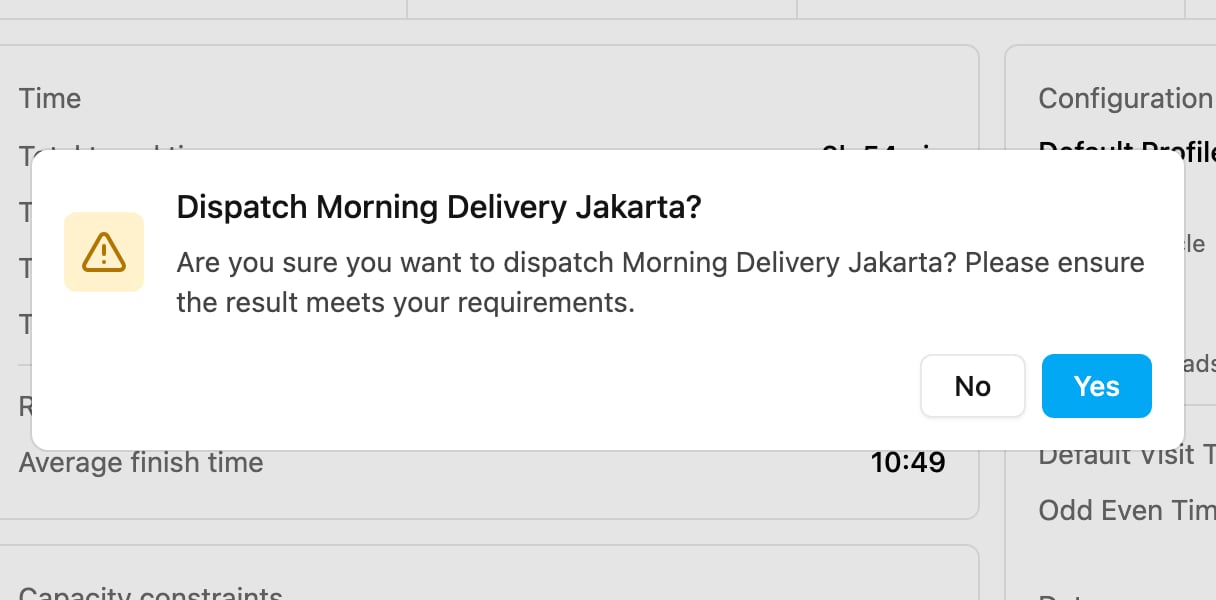
- Confirm Dispatch name?: Are you sure you want to dispatch name? Please ensure the result meets your requirements. Click Yes.
What is updated on the task
Each task gets the data from the result: the assignee, the vehicle, the ETA, the ETD, the order of the visit, the distance and the waiting time. If the vehicle has no assignee, the task becomes Unassigned. These are the values sent to the task:
With Cross Docking and Auto Split, more fields are sent, and extra tasks may be created (handover tasks for sub hubs, and one task per split part). Values typed only on the Visit page for fields the task type does not map are not written to the task.
After dispatching, follow the tasks on the Task page.