

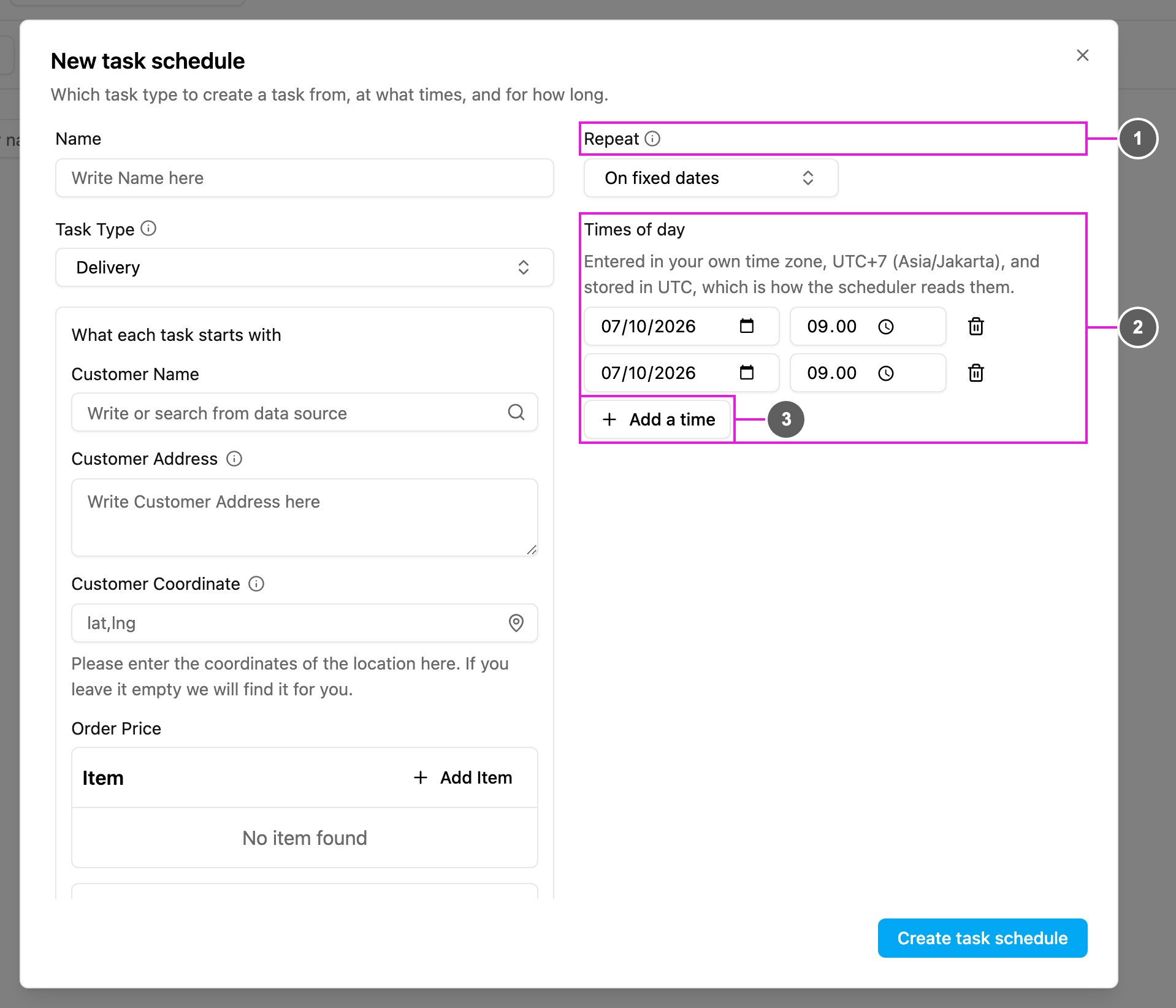
- Repeat: choose On fixed dates.
- Times of day: the date and the time of each task. Times are entered in your own time zone and stored in UTC. Click the bin icon to remove a line.
- Add a time: add another date and time. Add as many as you need.
Create a task only on the dates and times you list.