

Required permission:
- View automation
- Create automation
Automation detail
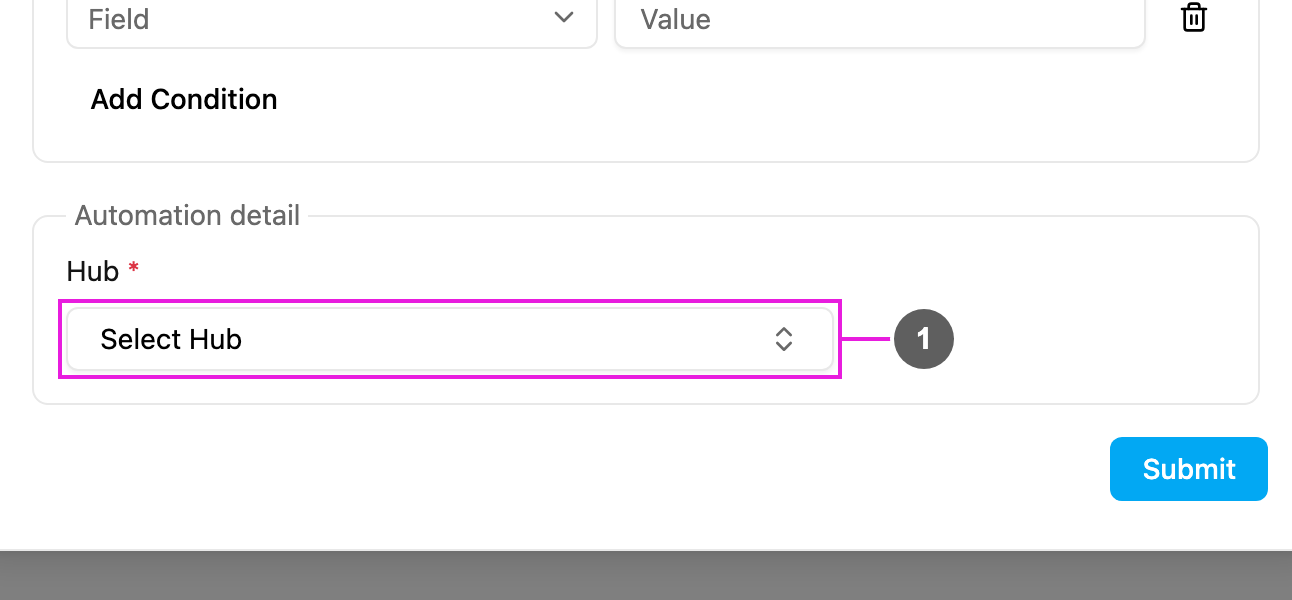
- Hub: required. The hub the task is moved to.
How it works
- A task of the automation’s task type is created.
- The rules, if any, are checked.
- The task is moved to the chosen hub straight away. Its old hub is replaced; the task is moved, not copied.
- The task now shows in the destination hub’s task list, and only users with access to that hub can see and manage it.
- The destination hub must be active.
- If the task was already assigned, the assignment stays only when the assignee has access to the destination hub.
Examples
Good practice
- Combine Move Task with rules so only the right tasks move.
- Make sure the people who work on moved tasks have access to the destination hub.
- Avoid automations that move tasks back and forth between hubs.
- Test with a sample task and check the log.
Troubleshooting
The task isn’t moved.- Check that the automation is Active, its task type matches the task, and the rules don’t exclude it.
- Check that the destination hub still exists and is active.