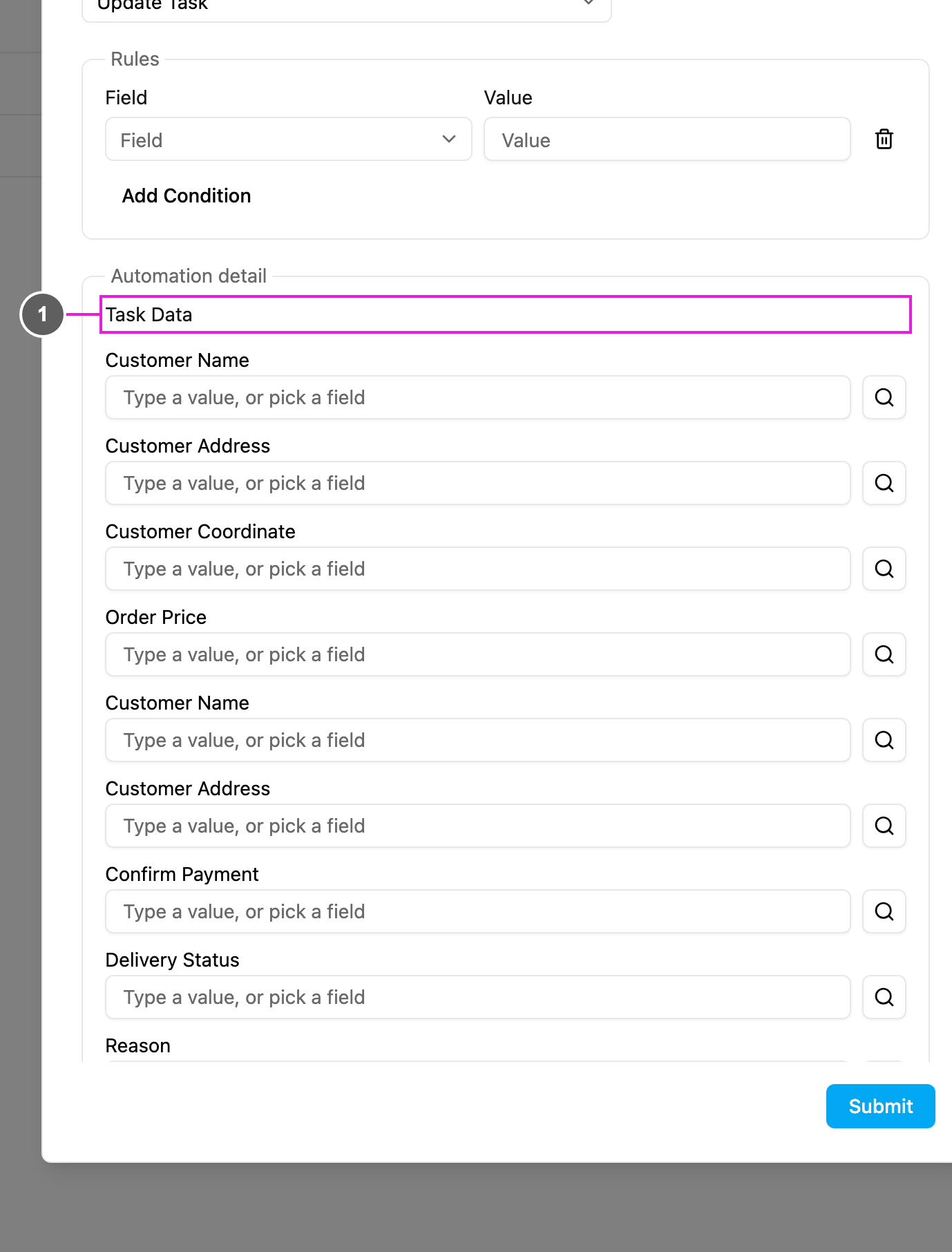
Update Task changes fields of the task that started the automation. Use it to fill in or correct values as soon as a task is created: set a fixed value, or copy one field into another. Available for: On Task Created only.
Required permission:
  • View automation
  • Create automation

Automation detail

Update Task detail
  1. Task Data: every field of the automation’s own task type. For each field you want to change, type a fixed value or click the search icon to copy a field, exactly as in Create Task.
Only the fields you fill in are changed. Fields left empty keep the value the task already has.

Examples

Troubleshooting

Fields don’t change. Check that the automation is Active, its task type matches, the rules don’t exclude the task, and the field has a value in Task Data. Then look at the log.