

Required permission:
- View automation
- Create automation
Notification Channel
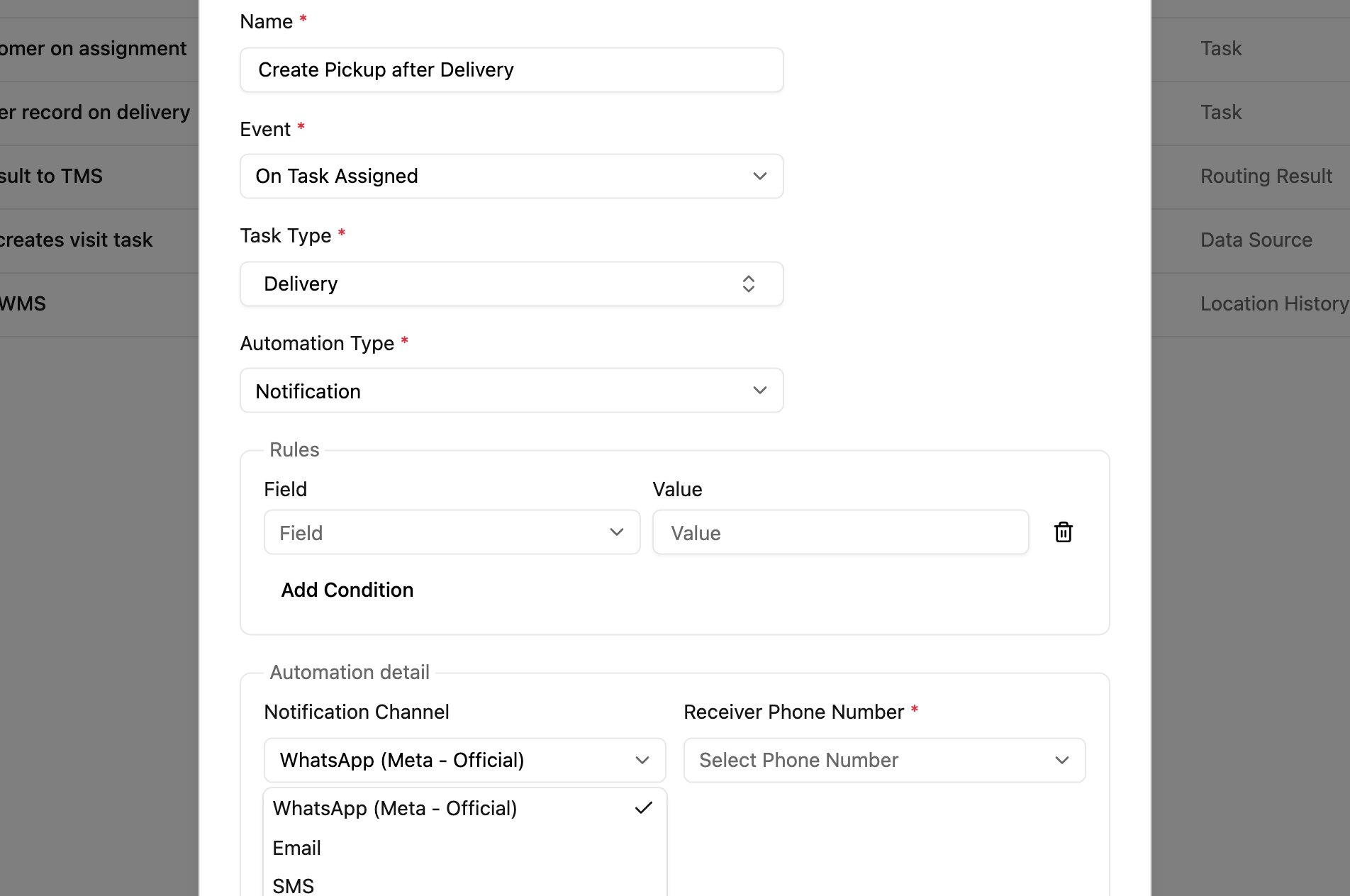
Which channels you see depends on your account:
- Accounts with the official sender see WhatsApp (Meta - Official), Email and SMS. WhatsApp messages go out from the official WhatsApp number; no key is needed.
- Other accounts see WhatsApp (Fonnte) only, and send through their own Fonnte account with its API Key.
Message placeholders
WhatsApp and SMS messages start with this default text:{{ }} are replaced with real values when the message is sent:
Edit the text freely, keeping the placeholders you need. Email has its own, larger set of variables.
Use cases
- Customer updates: tell the customer when their delivery is created, when a driver is assigned, and when it’s delivered.
- Team alerts: tell team members when high-priority tasks are created or assigned to them.
- Status updates: send order progress and completion confirmations to customers or stakeholders.
Good practice
- Test with a task of your own before switching the automation on, and check that the placeholders are filled in.
- Keep messages short and clear.
- Make sure phone numbers on the task are in a format the channel can deliver to (with country code).
- Create one automation per event to send a different message at each step.