

- Price agreed with the customer.
- Cost of materials used on a job.
- Cash on delivery amount collected.
Properties
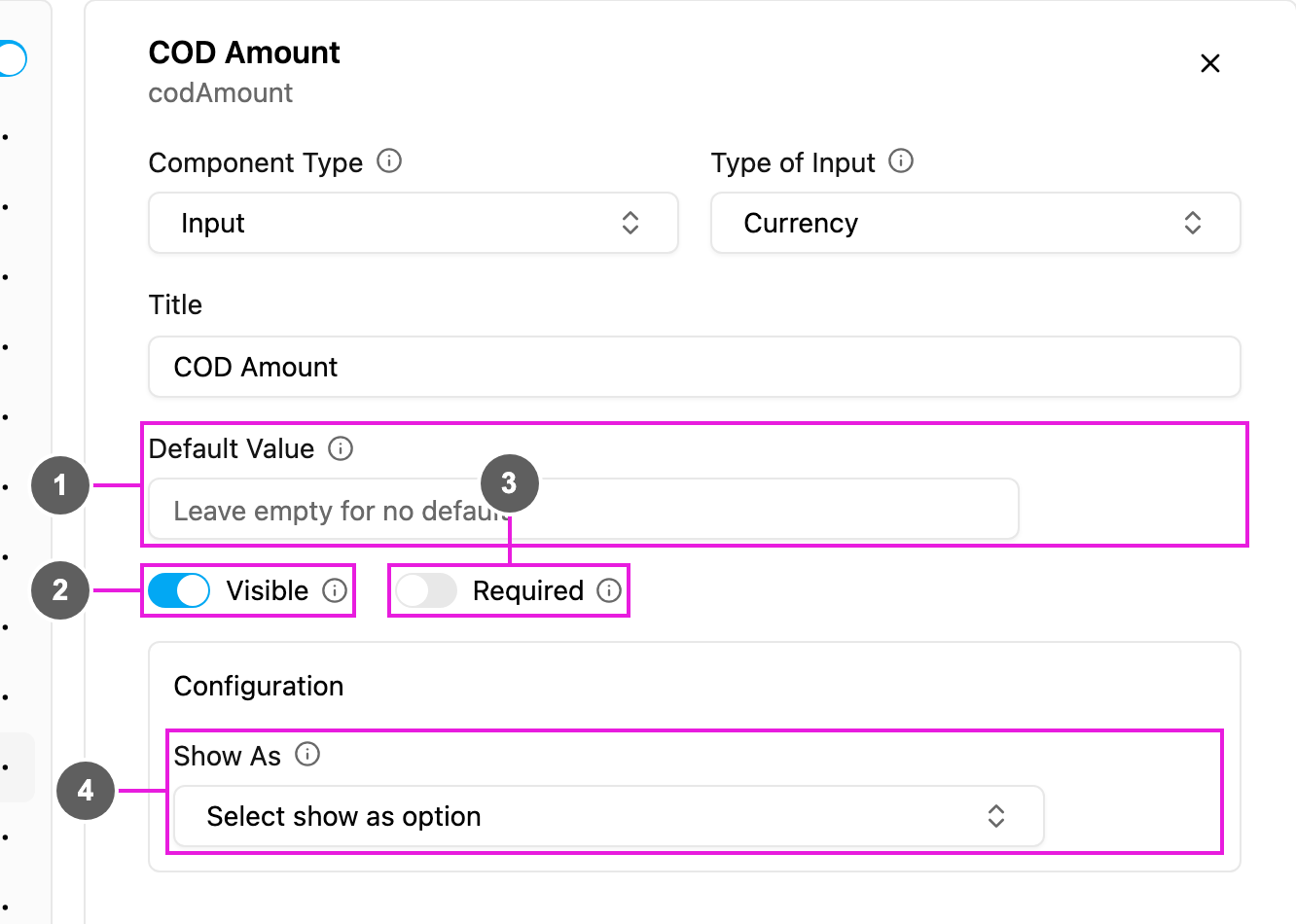
- Default Value: an amount filled in for every new task.
- Visible: when off, the field is hidden on the web and the field app; its value is still kept and exported.
- Required: the task cannot be saved or finished until an amount is entered.
- Show As: show the amount in the task list as the task’s Title, Content or Label.