

In the previous version these types were called String, Datetime, Numeric, Geolocation, PhoneNumber and URL. Existing components keep working under the new names.
How inputs look on the field app
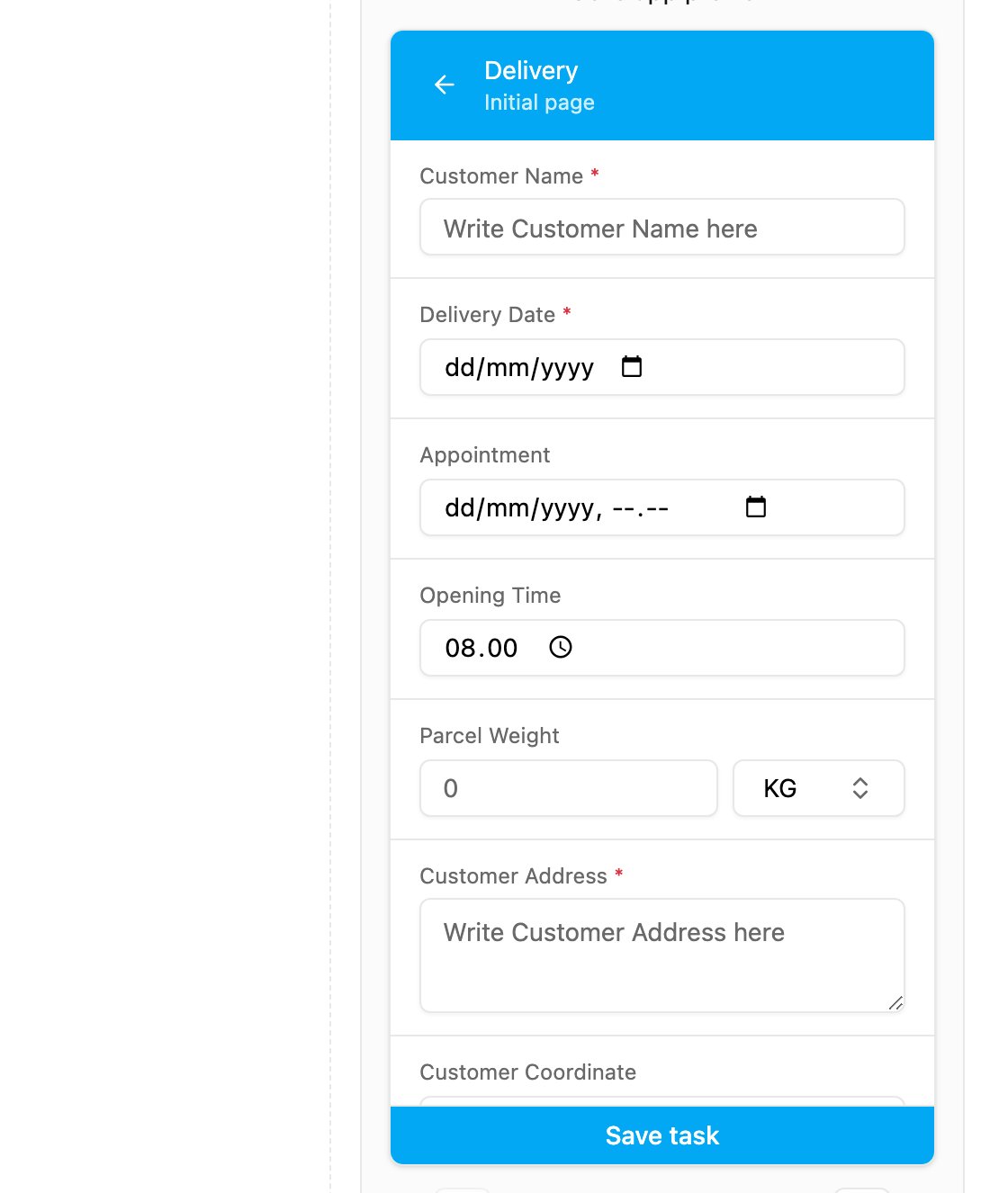
The Initial page of the example task type in the mobile preview, with one input of every type.
A required input is marked with a red *. A value can already be filled in when the field worker opens the task:- from task creation: the value entered on the web, in an import, through the API or from a data source;
- from the Default Value of the component, when nothing was entered at creation.